Iron Garden
Iron Garden is a top-down vehicle action shooter with independent movement and aiming. Defeat enemies and choose upgrade cards to shape your combat build. The public preview is playable through the fourth boss.
Controls
| WASD / Arrow keys | Move |
|---|---|
| Mouse | Aim · Hold the left button to fire |
| Space | Dash |
| Left Shift | Acquired manual weapon |
| Escape | Pause · Settings |
| Left stick | Move |
| Right stick | Aim · Fire while held |
| On-screen buttons | Dash · Manual weapon · Pause |
Use a keyboard and mouse on PC, or landscape touch controls on mobile.
How a run works
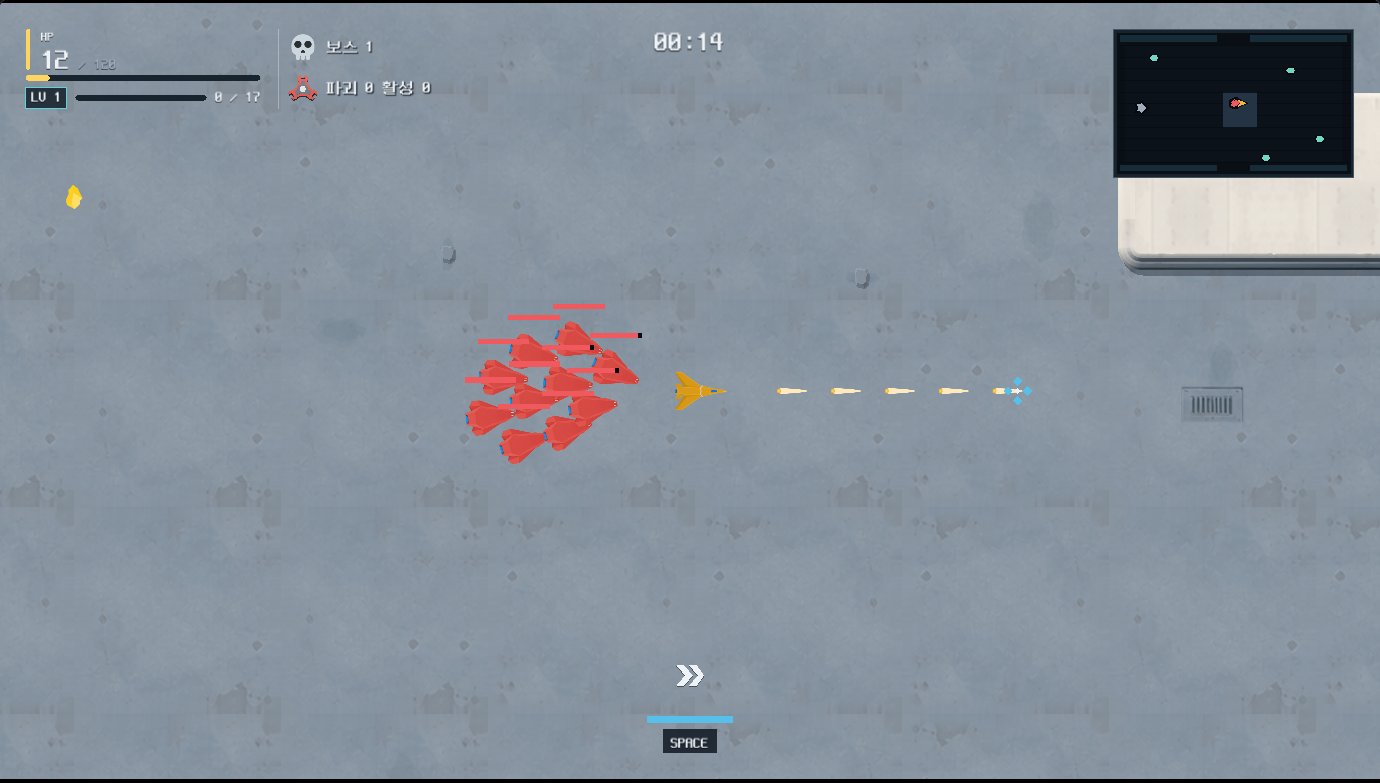
Move with the keyboard while aiming with the mouse, and hold the left mouse button to fire. Defeat enough enemies to trigger a boss. The field and acquired upgrades carry into the next boss cycle, so you keep developing your build during one connected run.
Upgrades and manual weapons
Cards improve your weapons and vehicle. Space dashes; Left Shift uses an acquired manual weapon. Escape pauses the game and lets you open settings, where you can rebind combat keys or reduce motion. The controls table shows the defaults.
Which device do I need?
Use a keyboard and mouse on PC. On mobile, play in landscape: the left stick moves and the right stick aims and fires while held. On-screen buttons activate Dash, your manual weapon and Pause.
Languages: Korean · English
Leaving the game
Returning to the list or guide closes the running game.